For teachers
Free spelling practice for your class, with no student logins
Spelling Stream for teachers is a free web tool. Type this week’s list, share one link, and students play in any web browser.
One list, one link
Free for teachers, with no paid tier, no trial and no ads.
Add your list
Sign in with Google or an email and password, then type or paste up to 40 words.
Share the link
Send it by email or Google Classroom, post a QR code, or print the one-page flyer for home.
Students play
They open the link on a Chromebook, iPad, laptop or phone and practice your words.
Games built from your words
Every game uses the list you typed, and every word is read aloud.
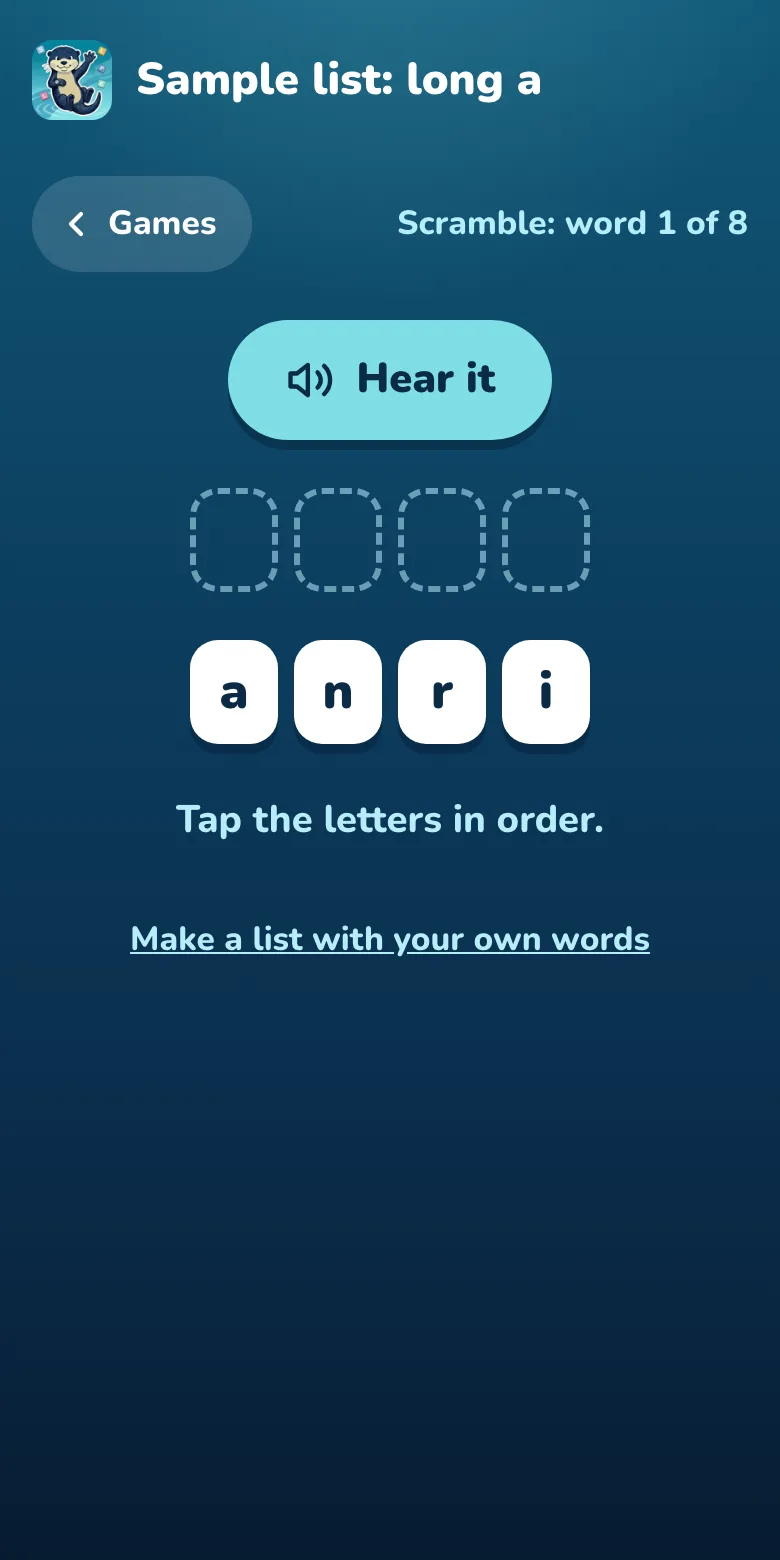
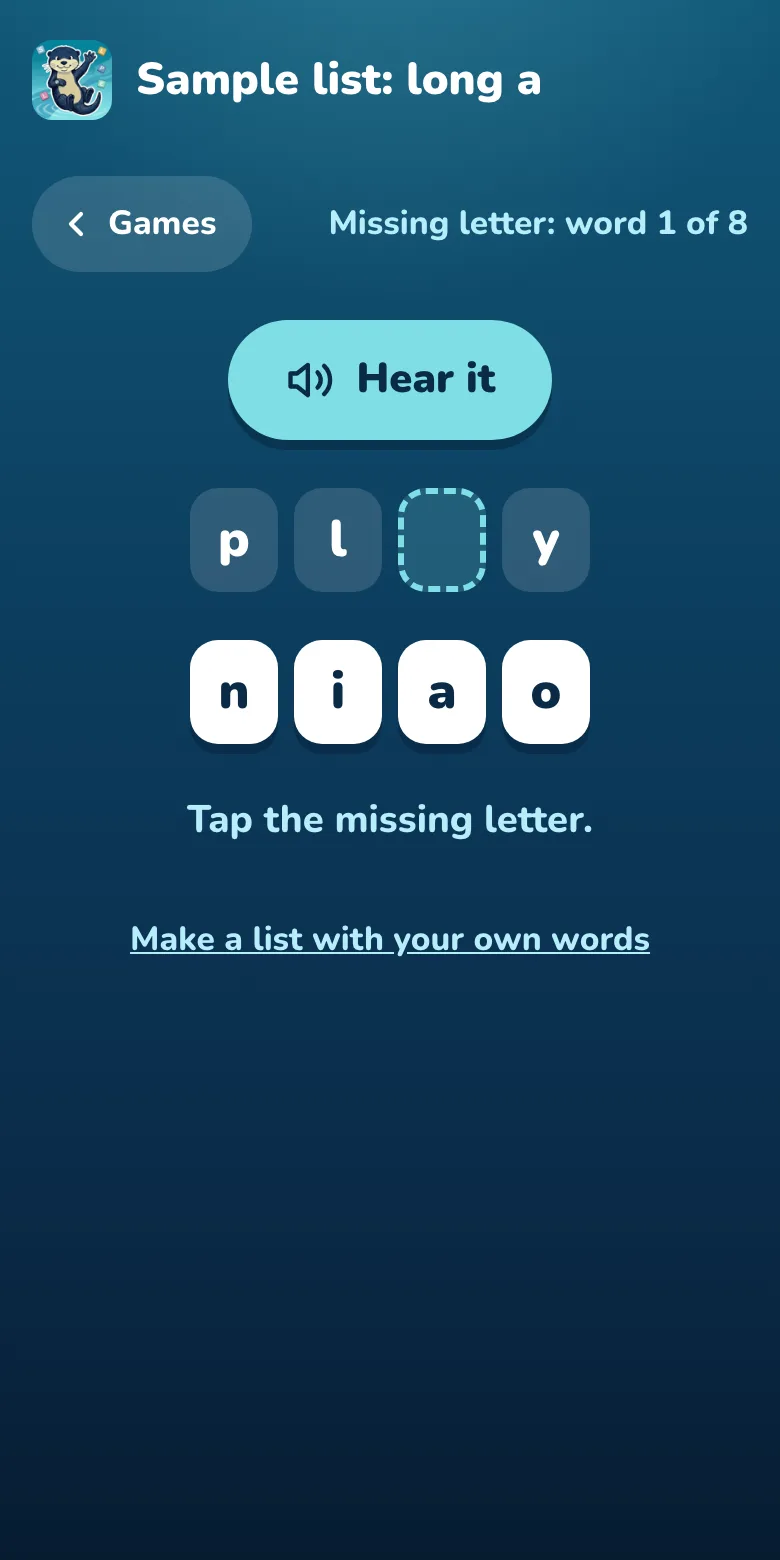
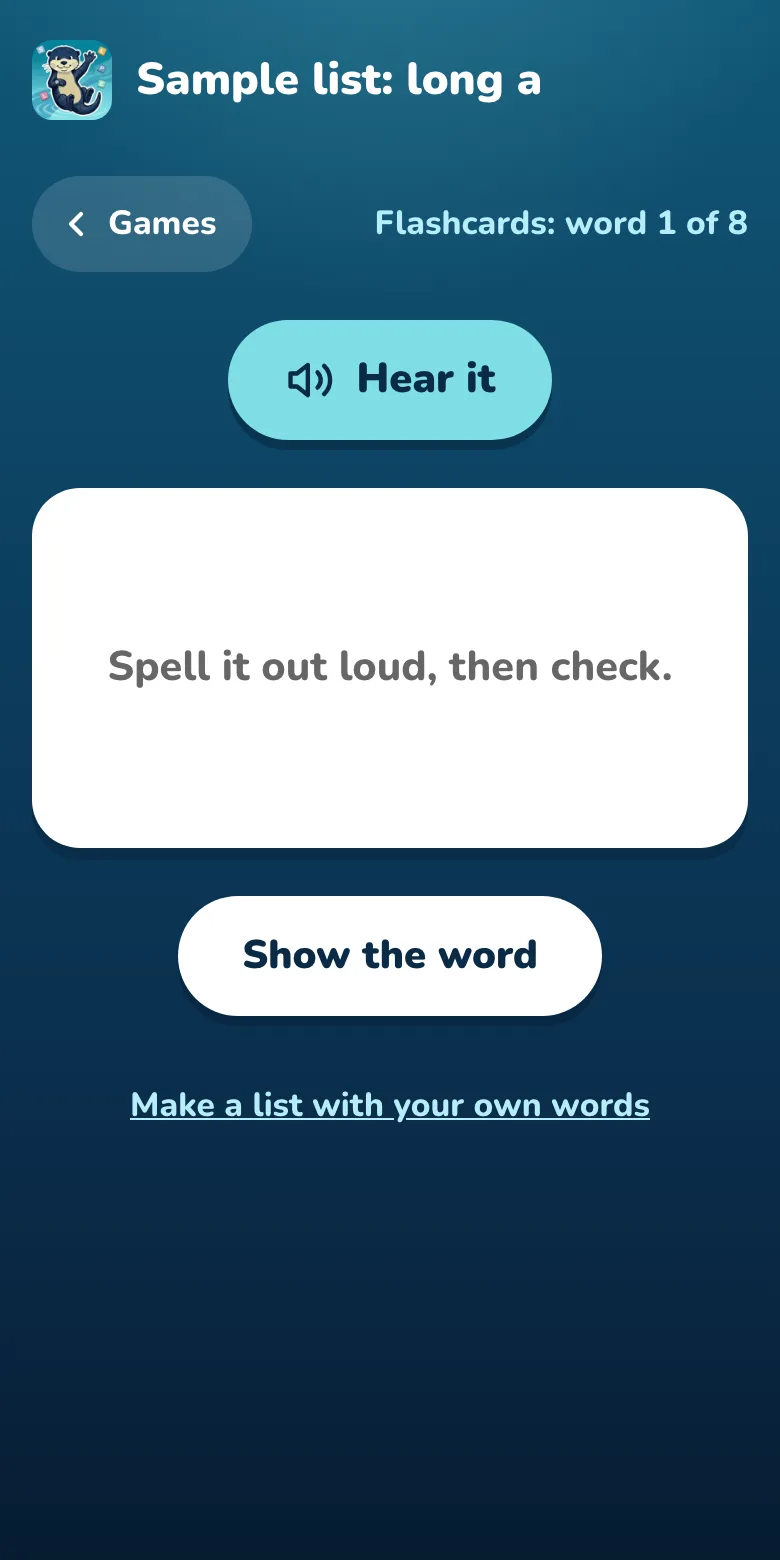
Play the sample games, with no sign-in.
Nothing for your school to set up
Students open the link and play. There is nothing to install and no one to enroll.
No student accounts
Students have no logins and type nothing about themselves. A list can have an optional 4-digit PIN.
No rosters to upload
You never enter a student’s name. One link works for the whole class.
No personal information collected
Student pages set no cookies and keep no record of how a child plays. Read the privacy policy.
Good to know
The web tool records no scores, so you won’t get progress tracking or reports. There are no worksheets or tests in the browser either. You can keep up to 25 lists of up to 40 words. A US English voice reads the words, though a few, such as names, use the device’s own voice. Teacher accounts are for adults in the United States for now.
More on the teacher site: the teacher FAQ, how it works, and spelling guides for teachers.
Used SpellingCity for your weekly list? It is now part of Vocabulary A-Z, a classroom subscription. See how the free teacher tool works differently.
From the class link to home
Families can keep practicing the same list in the separate Spelling Stream app for iPhone, iPad and Android, which has its own games, plus practice tests and rewards. After a grown-up question, the class link opens the list in the app. The app is free to start. See what’s free and what Pro adds.
Page last updated 15 November 2026.